TWAP.
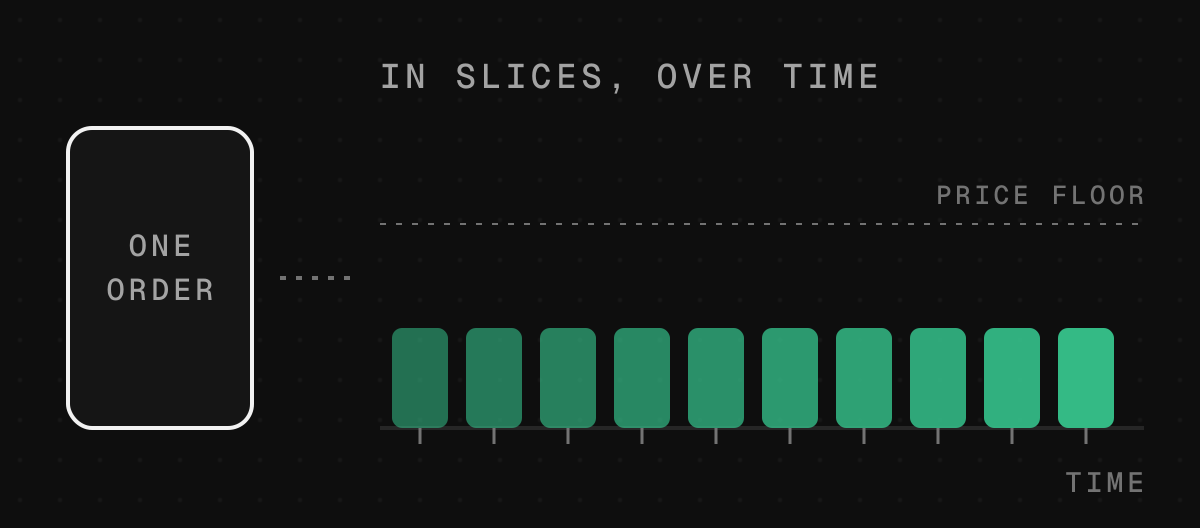
Buy or sell a big amount in small slices over time, so one order does not move the chart against you.
Step by step
- 1
Open the TWAP tab
On a coin’s page, open TWAP, or go to Tools. Choose Buy slowly or Sell slowly.
- 2
Set the order
How much, over how long (10 minutes to 30 days) and how many slices (2 to 500). Fixed keeps equal slices and equal gaps. Random varies the size and timing, which makes it harder for bots to predict.
- 3
Set your limit
Never pay more than, or never sell below. It starts 5 percent from today’s price; you can set it between 1 and 25. Each slice is also kept within 10 percent of the one before it.
- 4
Review and start
The review shows every cost before you sign. Paying with USDG or a coin takes one approval first, then Start TWAP.
What it costs
- Starting it
- one network fee, from your wallet
- Each slice
- the site swap fee and a small TWAP service fee, both shown in the review
- Gas for every slice
- paid up front; what is not used comes back
Good to know
Works on coins with a pool against ETH or USDG, and on Pons and Flap coins still on their curve when the order is in ETH. Each slice goes wherever pays most, the curve or a pool.